Defeaturing Workbench

Introduction
Defeaturing Workbench is an add-on workbench intended for editing STEP models, removing of the selected features from the model. It is an external workbench and therefore not part of the standard FreeCAD install.
Features
- Features a set of tools to edit a Shape or a STEP model, removing hole(s), face(s), simplifying the model, changing the tolerance, applying Fuzzy Boolean operations etc.
- There are also tools to create more solid shape(s), from edge(s), face(s) or shell(s).
- It is also possible to use direct modeling of the model, when the history of operations is unavailable. (This is the case for 3D STEP models).
- Useful in situations to quickly remove proprietary details of the model before sharing it. See Defeaturing
Note: More advance Defeaturing tools can be used if OCC7.3 is available.
Installation
Automatic (recommended)
Using the FreeCAD  Addon Manager available in v0.17+ via Tools → Addon Manager. Search for the Defeaturing workbench icon. The Addon Manager also notifies the user when a new version of this Addon is available.
Manually
See How to install additional workbenches
Supports
- FreeCAD v0.15 4671
- FreeCAD v0.16 >= 6712
- FreeCAD v0.17 >= 13522
- FreeCAD v0.18
- FreeCAD v0.21
- FreeCAD v1.0
- FreeCAD v1.1+
References
- Author: Github: @easyw | FreeCAD Forums: [1]
- Source code on github: https://github.com/easyw/Defeaturing_WB
- FC forum thread https://forum.freecad.org/viewtopic.php?t=29506
Tools

 Defeaturing Tools are located in a separate mask.
 Remove Holes: remove Hole from Face
 Remove listed Faces: remove 'in List' Faces
 Add Faces from 'in List' Edges: add Faces from 'in List' Edges
 Select Faces to be Parametric defeatured: select Faces to be Parametric defeatured
 Create a copy of the 'in List' Edges : create a copy of the 'in List' Edges


 copy Faces from 'in List' Faces : copy Faces from 'in List' Faces
 offset face: offset face
 offset edge: offset edge


 Make Solid from in List Faces: make Solid from in List Faces
 Make Solid from the Faces of the selected Objects: make Solid from the Faces of the selected Objects
 Make Solid from in List Faces: select ONE object to try to make a Solid through STEP import/export process
 Connect: connect
 clean Face(s) removing holes and merging Outwire: clean Face(s) removing holes and merging Outwire


 show 'in List‘ Edge(s): show 'in List‘ Edge(s)
 show 'in List‘ Face(s): show 'in List‘ Face(s)
 refine: refine
 simple copy: simple copy
 parametric Refine: parametric Refine


 geometry check: geometry check
 get Tolerance value: get Tolerance value
 set Tolerance value: set Tolerance value


 make Edge from selected Vertexes: make Edge from selected Vertexes
 reset Placement: reset Placement
 show/hide TypeId of the Shape: show/hide Type Id of the Shape
 help: help


 Fuzzy Cut: Fuzzy Cut
 Fuzzy Union: Fuzzy Union
 Fuzzy Common: Fuzzy Common


Video Tutorials
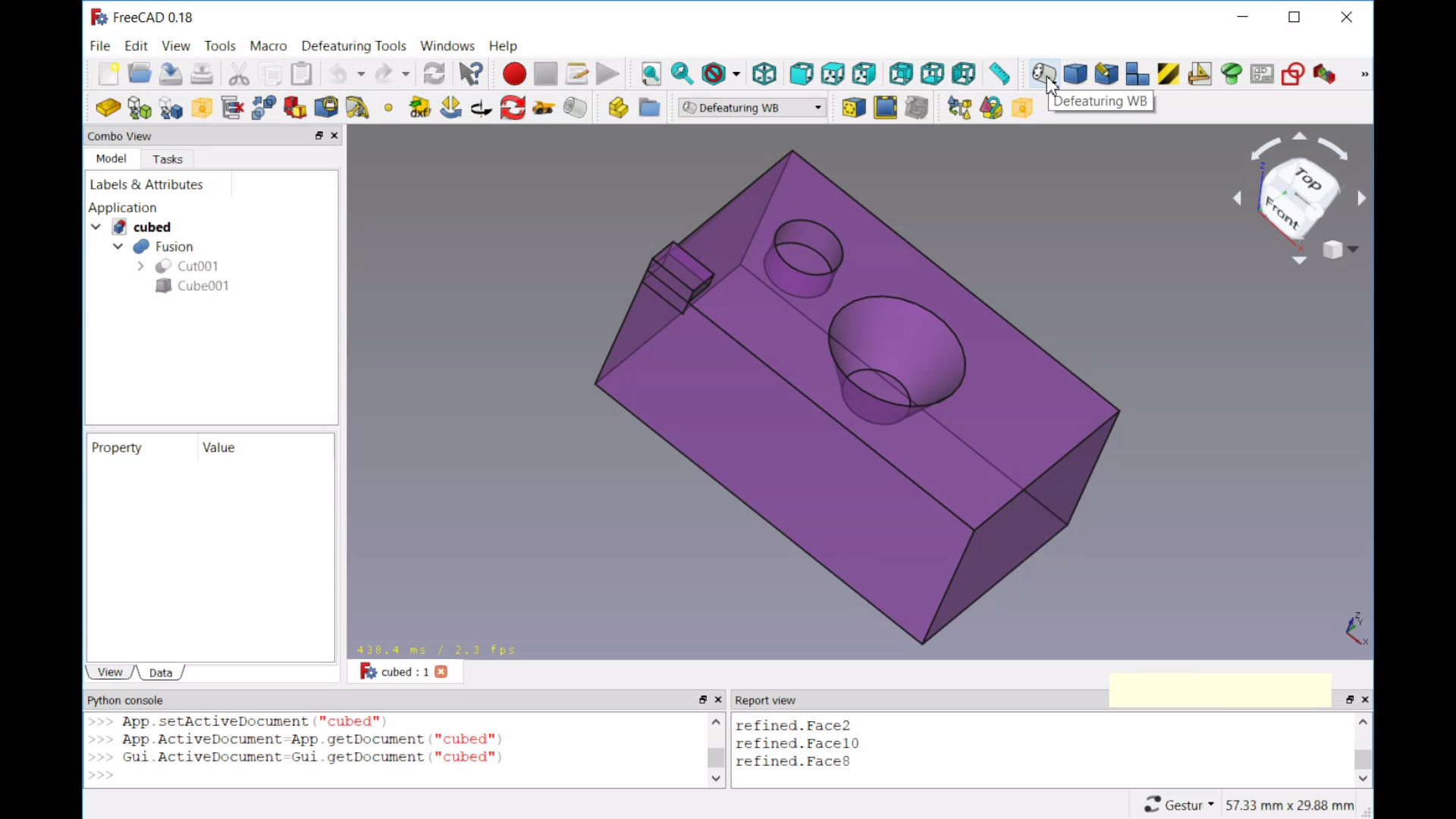
Defeaturing
Removing Features using OCC7.3 new tools
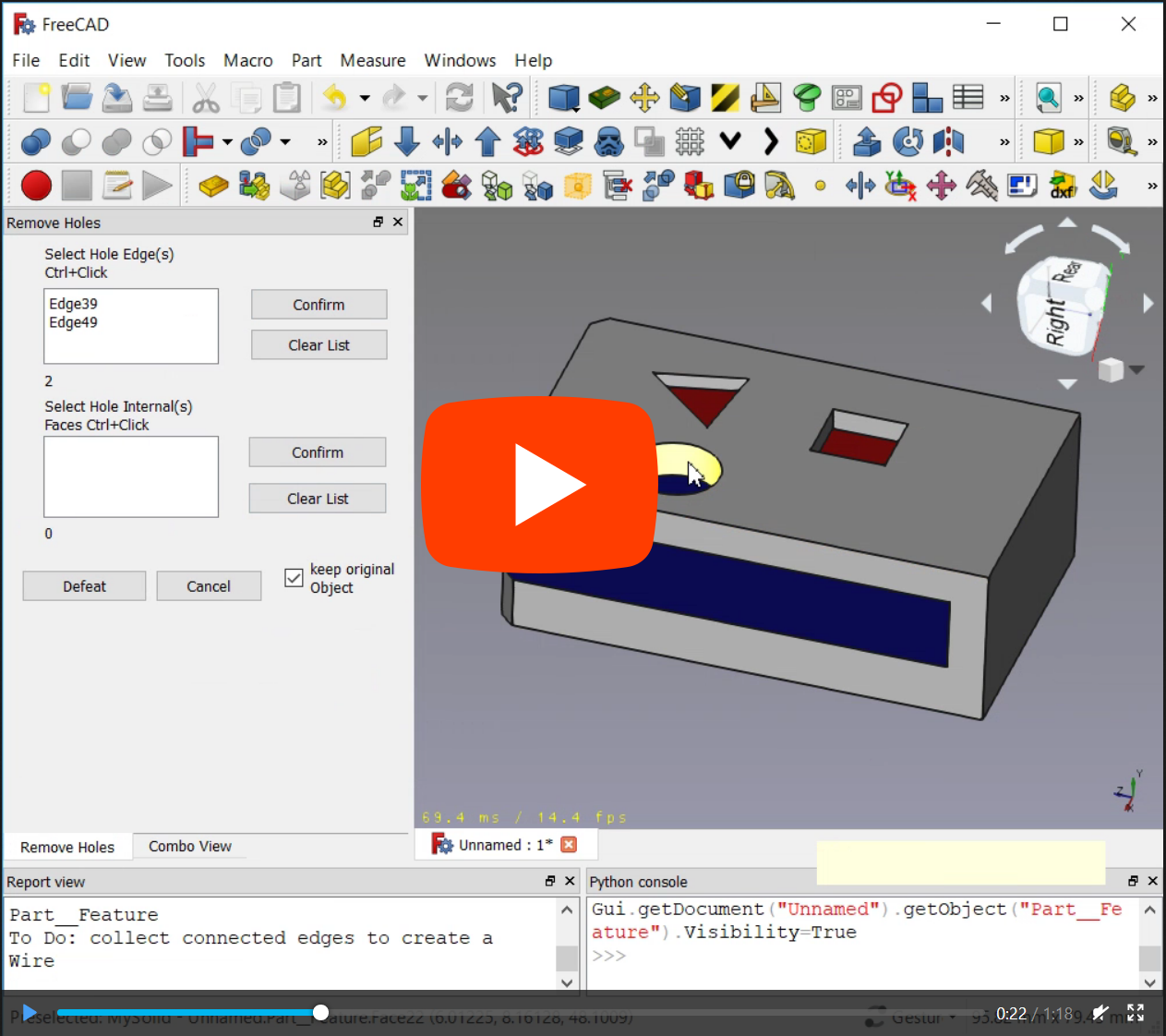
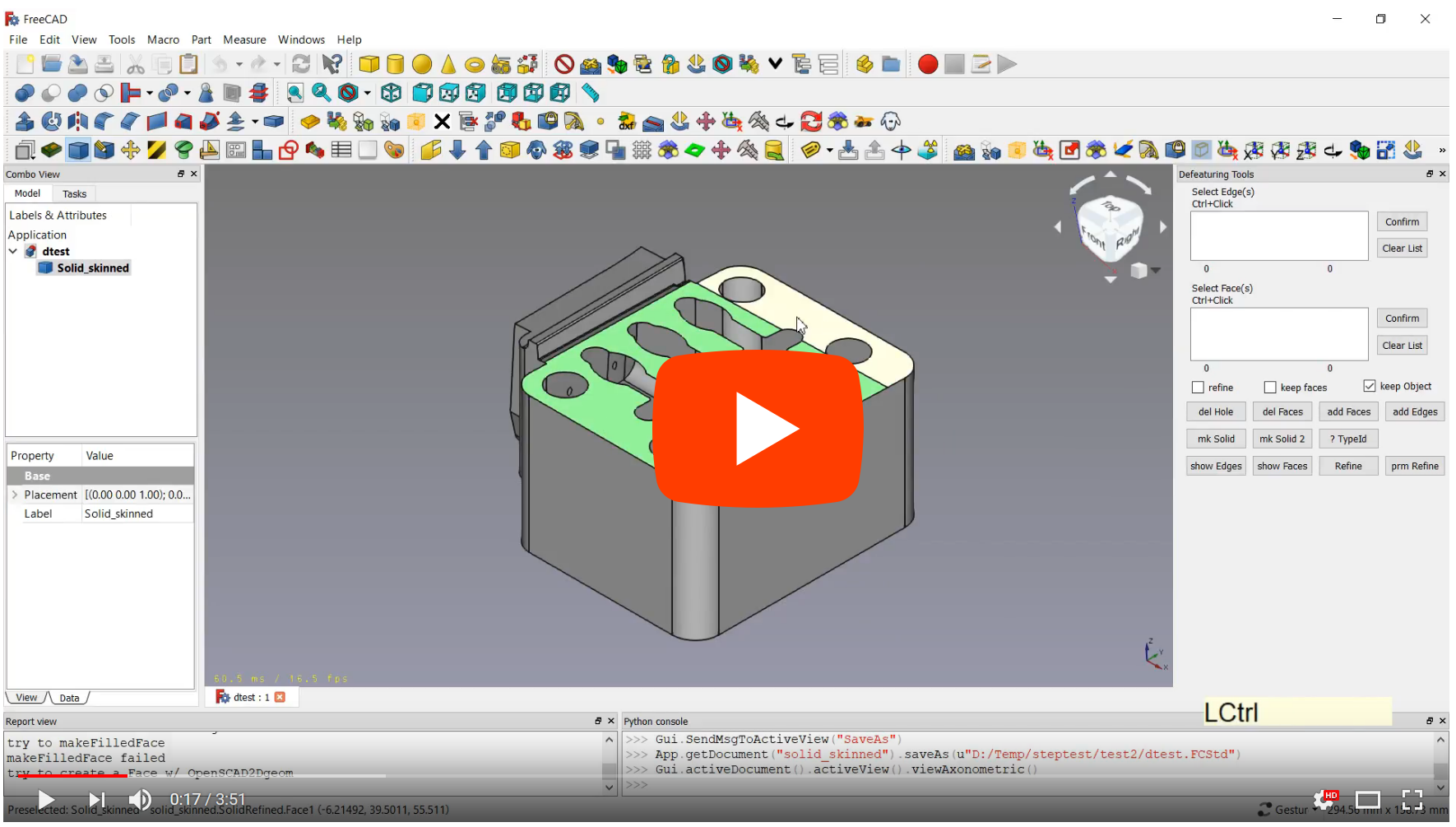
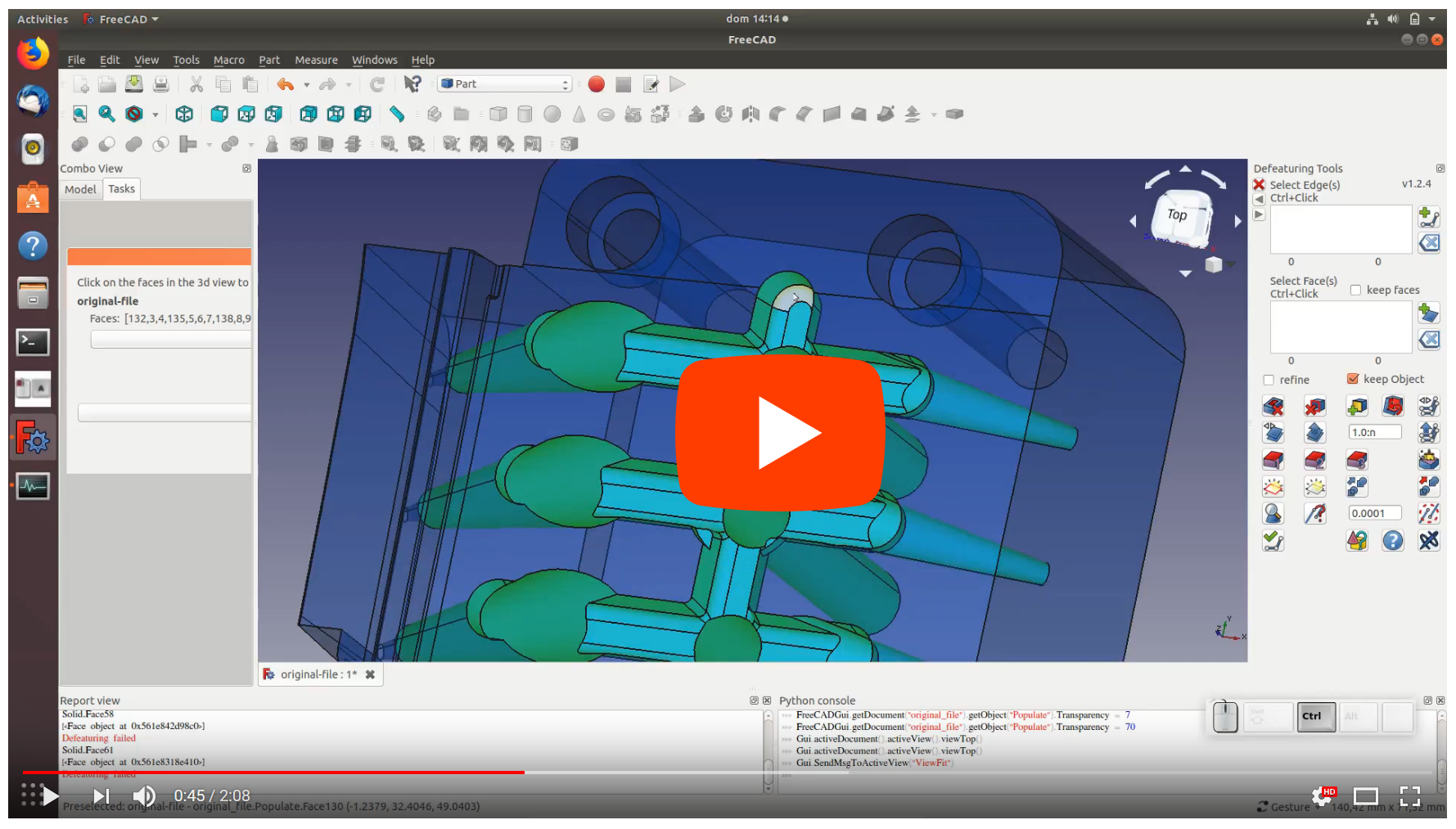
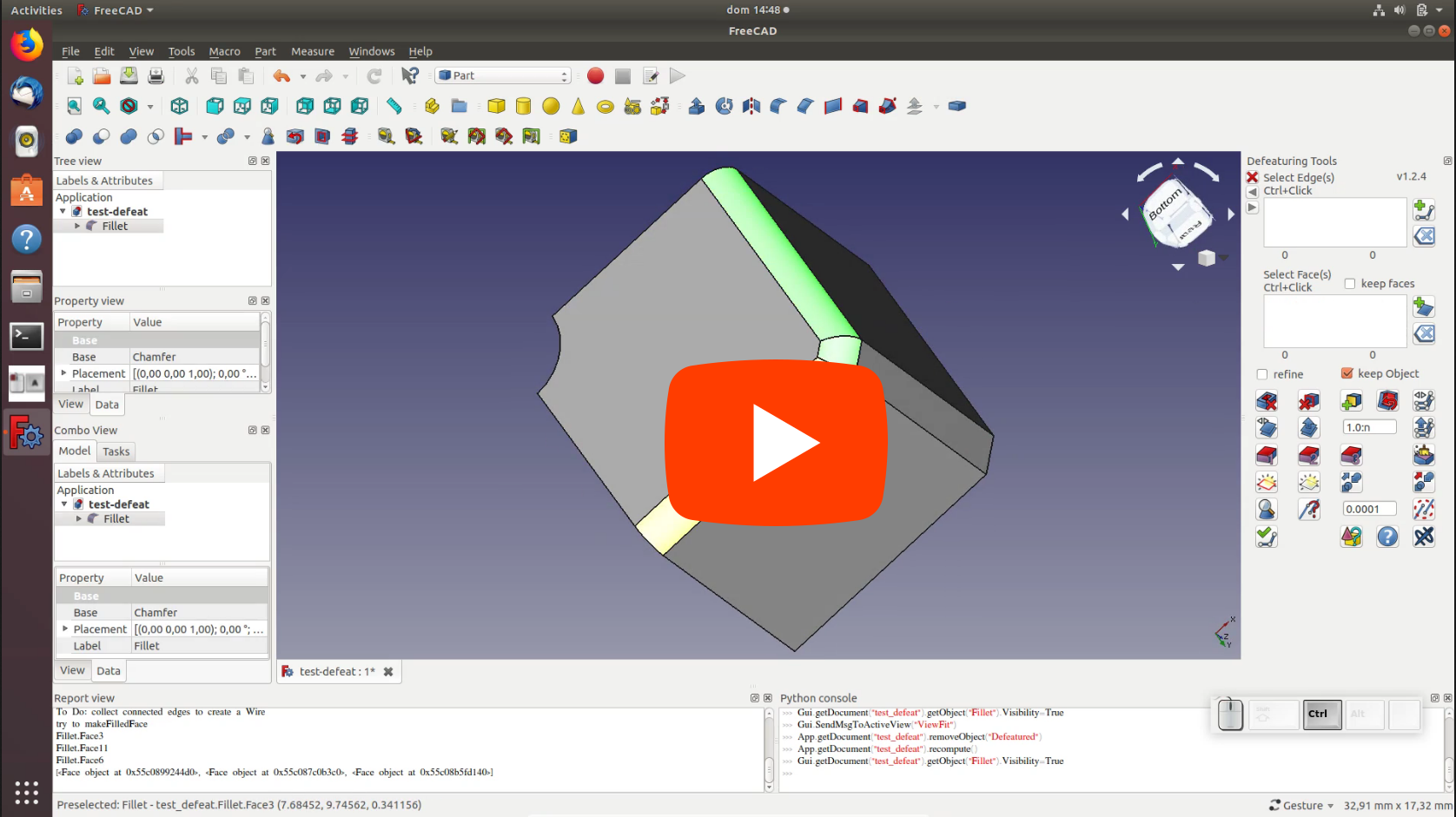

Repairing
- Sew a Shape
- Removing or Simplify Faces
- Remove Holes or Pockets
- Read or Change Tolerance
- make Fuzzy Boolean operations
 User documentation
- Getting started
- Installation: Download, Windows, Linux, Mac, Additional components, Docker, AppImage, Ubuntu Snap
- Basics: About FreeCAD, Interface, Mouse navigation, Selection methods, Object name, Preferences, Workbenches, Document structure, Properties, Help FreeCAD, Donate
- Help: Tutorials, Video tutorials
- Workbenches: Std Base, Assembly, BIM, CAM, Draft, FEM, Inspection, Material, Mesh, OpenSCAD, Part, PartDesign, Points, Reverse Engineering, Robot, Sketcher, Spreadsheet, Surface, TechDraw, Test Framework
- Hubs: User hub, Power users hub, Developer hub