Manipulator Workbench

Introduction
The Manipulator Workbench is an external workbench aimed to help FreeCAD users with Aligning, Moving, Rotating and Measuring 3D objects through a friendly GUI. These series of tools help to Transform the placement and Measure objects and STEP models in FreeCAD.
Features
 Aligner: a set of tools to move and align 3D parts; it can also align an object (face, edge, point) to the origin in FreeCAD.
 Mover: a set of tools to move and rotate 3D parts on different Axis
 Caliper: a set of tools to measure 3D parts, with some Snap facility and Radius, Length, Angle measurements.
These helpers work with Part, App::Part and Body objects.
The Tools can be Floating or Docked Left or Right.
Each Tool has a Help Button  to get some useful tips
References
- Author on github: @easyw
- FreeCAD Forums: easyw-fc
- Source code on github: https://github.com/easyw/Manipulator
- Forum announcements/discussion: https://forum.freecad.org/viewtopic.php?t=24742
Tutorial
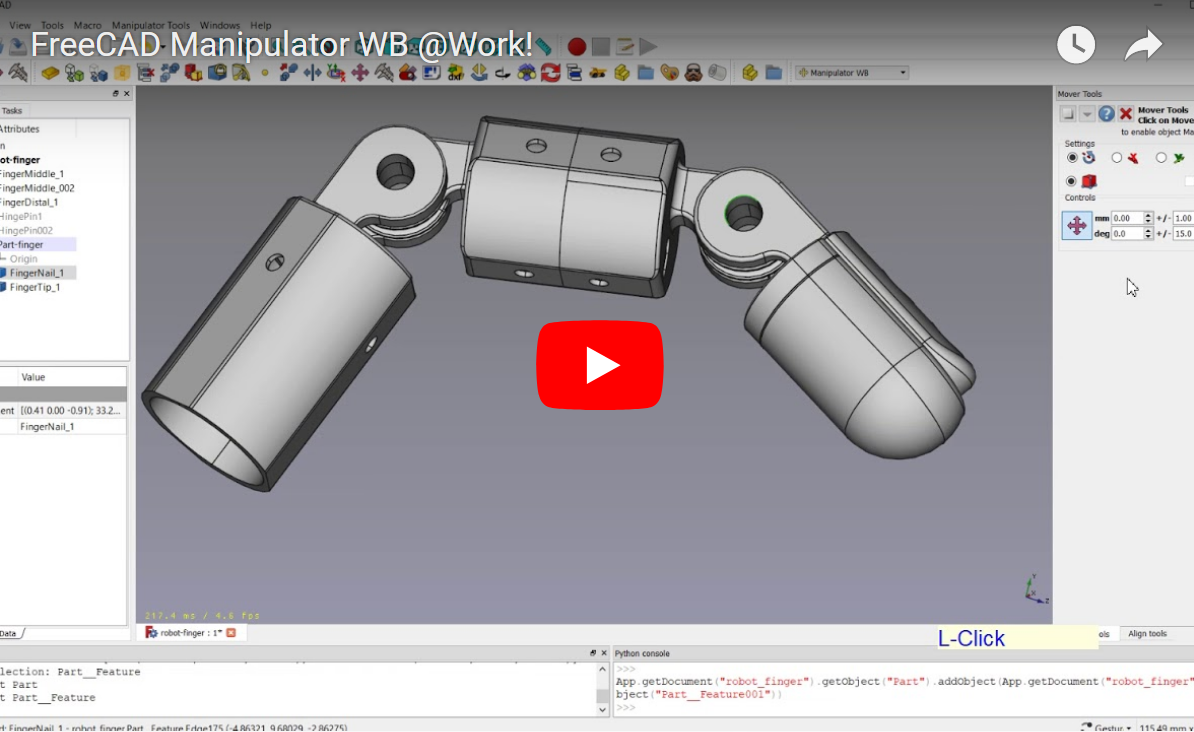
YouTube Tutorial Manipulator WorkBench @Work
Tools

Above: Manipulator workbench dialog. For a more detailed description see README.md on Github.
Aligner

Aligner: set of tools to move and align 3D parts; it can also align an object (face, edge, point) to the origin in FreeCAD
Mover

Mover: set of tools to move and rotate 3D parts on different Axis

Mover: Using App:Part and Body

Mover: with External Reference
Caliper

Caliper: measuring Radius

Caliper: measuring Angles

Caliper: measuring Dimensions

Caliper: measuring Dimensions (cont.)

Caliper: parallel planes distance
Manipulator

Installation
Automatic Installation
The recommended way to install the Manipulator Workbench is via the  Addon Manager under the Tools → Addon Manager menu.
Manual Installation
If a manual install is necessary please follow the following instructions:
- Copying the Manipulator source in to the Mod sub-directory of the FreeCAD application.
cd ~/.FreeCAD/Mod
git clone https://github.com/easyw/Manipulator Manipulator
- Restart FreeCAD
Supports
- FreeCAD v0.15 4671
- FreeCAD v0.16 >= 6712
- FreeCAD v0.17 >= 11707
- FreeCAD v0.18+
- FreeCAD v0.19+
History
The workbench evolved out of the Center Align Objects with Faces or Edges macro
 User documentation
- Getting started
- Installation: Download, Windows, Linux, Mac, Additional components, Docker, AppImage, Ubuntu Snap
- Basics: About FreeCAD, Interface, Mouse navigation, Selection methods, Object name, Preferences, Workbenches, Document structure, Properties, Help FreeCAD, Donate
- Help: Tutorials, Video tutorials
- Workbenches: Std Base, Assembly, BIM, CAM, Draft, FEM, Inspection, Material, Mesh, OpenSCAD, Part, PartDesign, Points, Reverse Engineering, Robot, Sketcher, Spreadsheet, Surface, TechDraw, Test Framework
- Hubs: User hub, Power users hub, Developer hub