PartDesign Examples/ru
Эта документация не закончена. Пожалуйста, помогите и внесите свой вклад в разработку документации.
Пример документирования команды Gui объясняет, как должны быть задокументированы команды. Просмотрите Category:UnfinishedDocu/ru, чтобы увидеть больше незавершённых страниц, подобных этой. Смотрите Category:Command Reference/ru для всех команд.
Смотрите Wiki Страницы, чтобы узнать о редактировании вики-страниц, и зайдите на страницу Помоги FreeCAD, чтобы узнать о других способах, которыми вы можете внести свой вклад.
Введение
Иногда нужно просто наглядно показать, насколько мощным является тот или иной инструмент, без лишних объяснений.
Это подборка примеров, которые можно реализовать с помощью определённых инструментов. Подробные объяснения смотри в описании инструментов, а также в учебных материалах, доступных в Интернете.
Pad
 PartDesign Pad is a tool to create Pad objects, which are prismatic objects such as extrusion objects, cylinders, cones, cubes, wedges...
Each object is based on an outline (yellow), that defines the cross-section shape (preferably made with the Sketcher Workbench).
The outline is dragged along a direction (extruded) to provide the object with a thickness or a length.
By default it is the normal direction of the plane containing the outline (sketch plane). Optionally the direction can be altered by editing parameters in the properties panel or by selecting a separate straight line (white).
Gallery
Prismatic Primitives
| Cylinder | 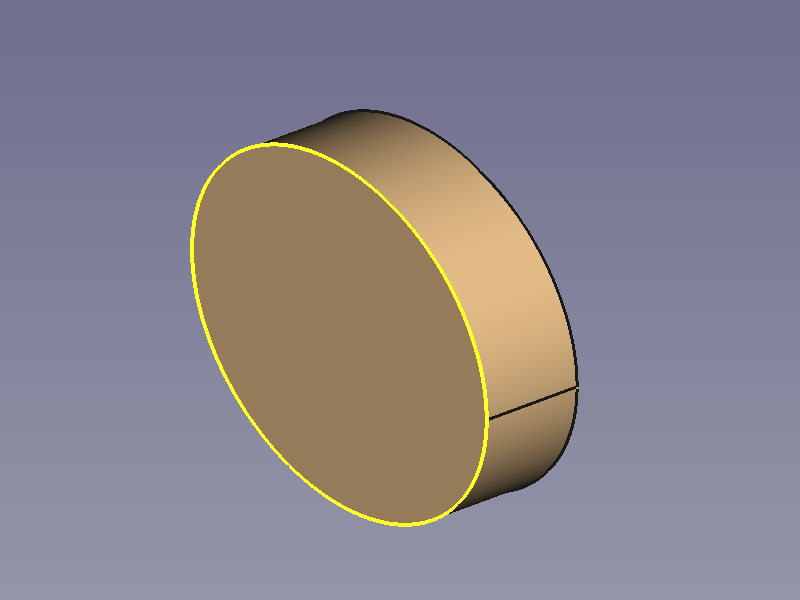
|
|
| Cube | 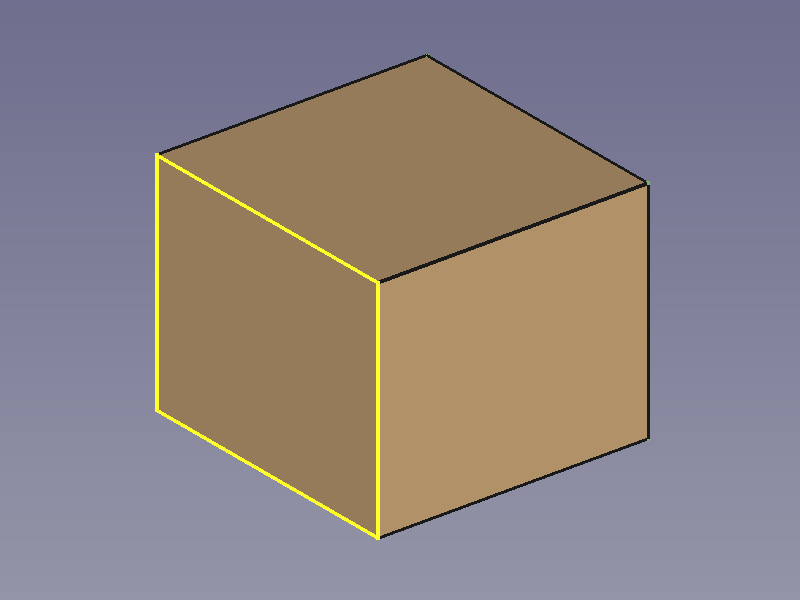
|
|
| Cuboid | 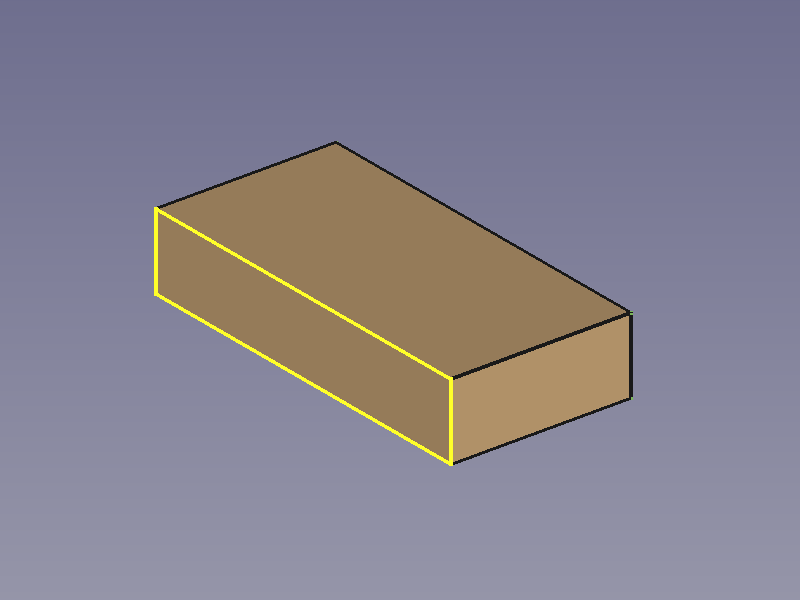
|
|
| Regular Prism | 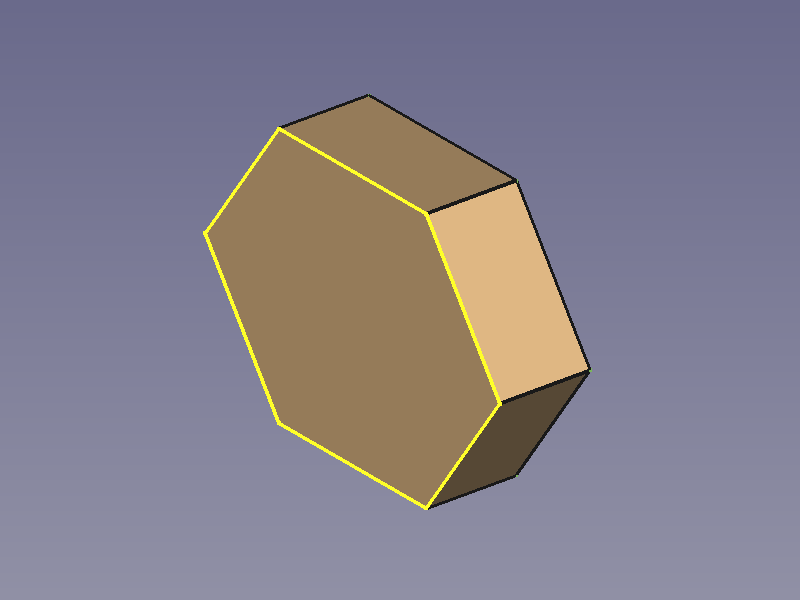
|
|
| Wedge | 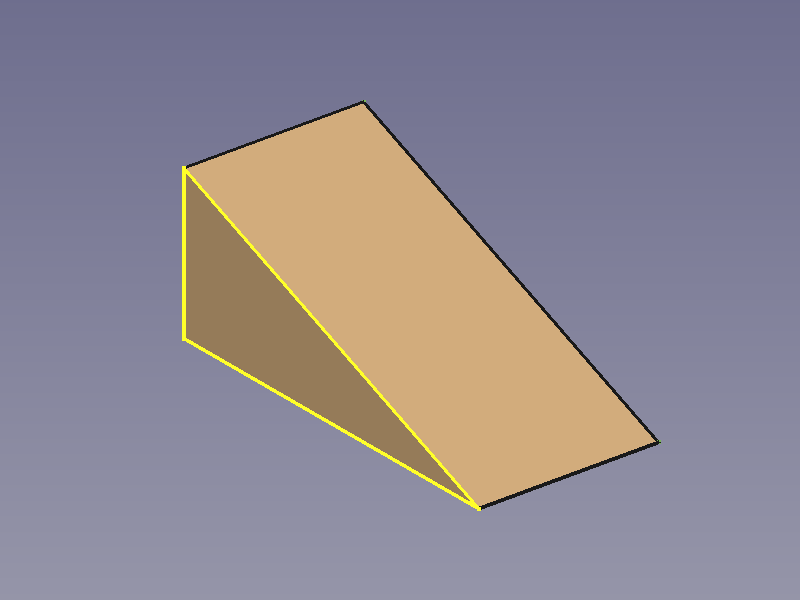
|
|
Prismatic Profiles
| L-profile | 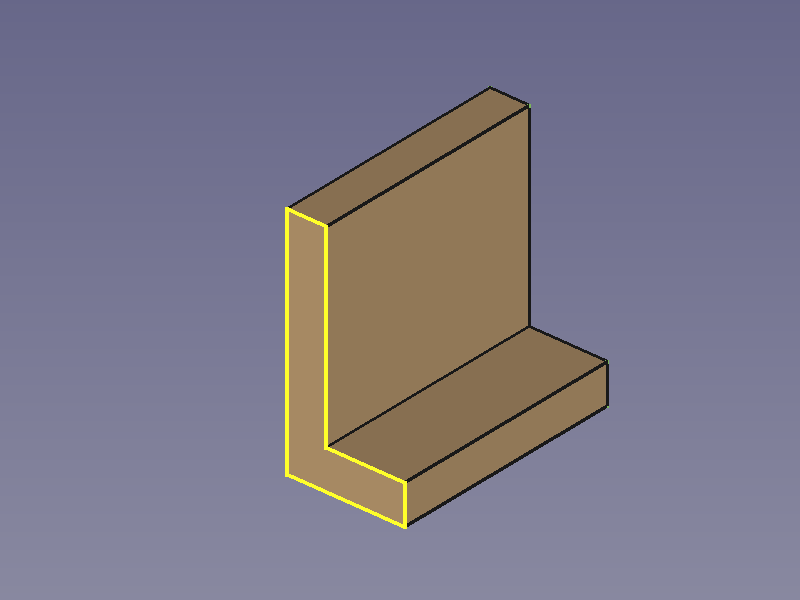
|
|
| C-profile | 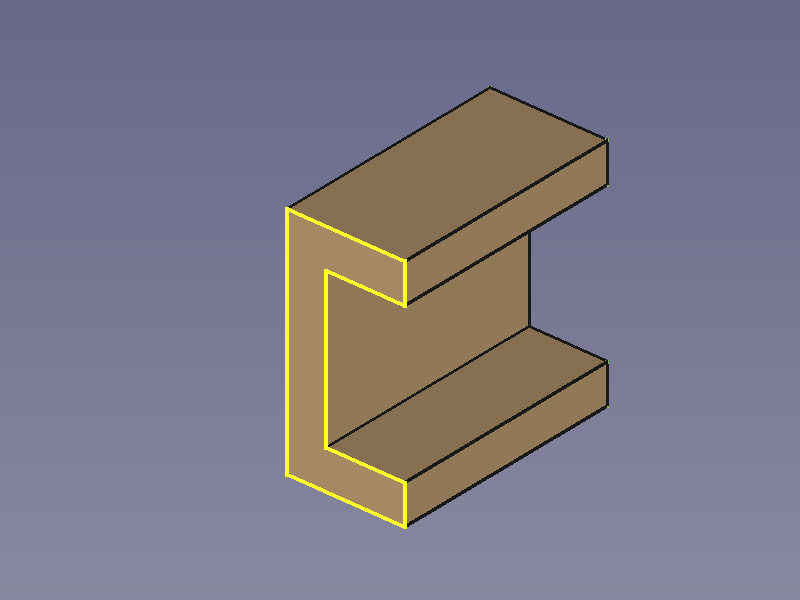
|
|
| Z-profile | 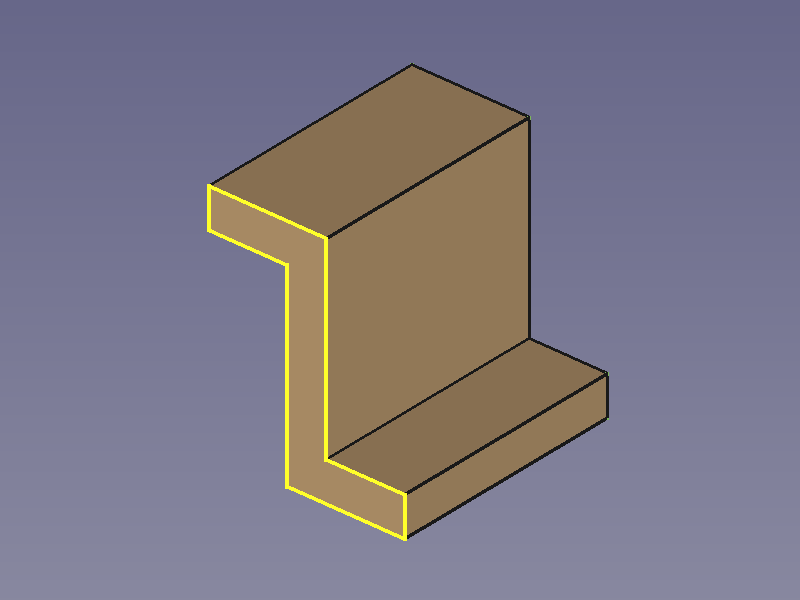
|
|
| T-profile | 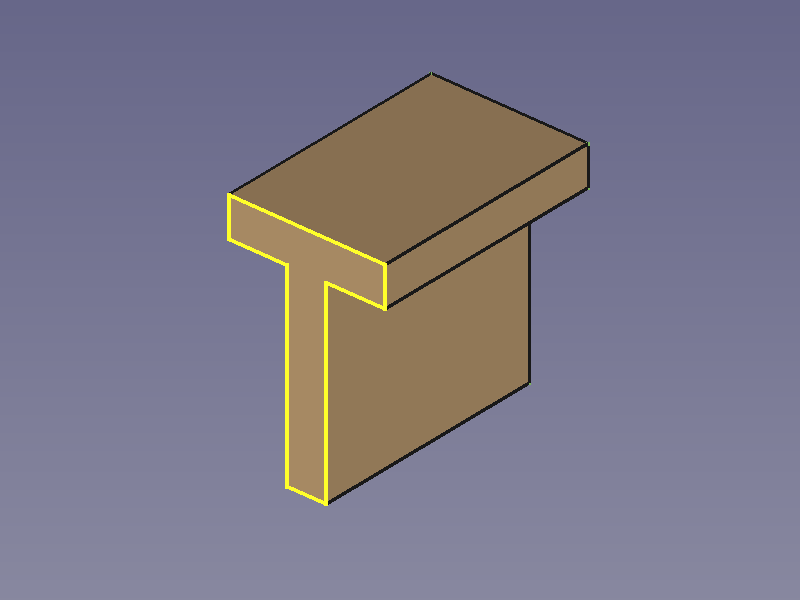
|
|
| Double-T-profile | 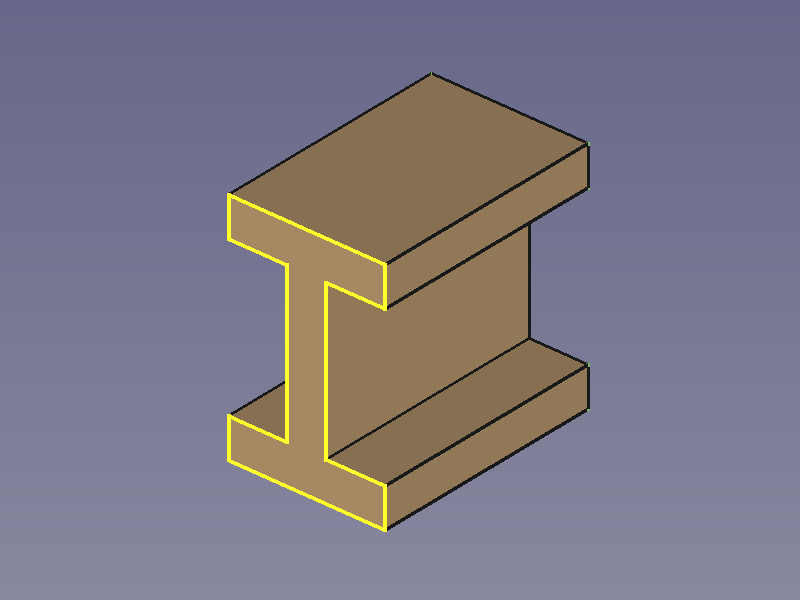
|
|
| H-profile | 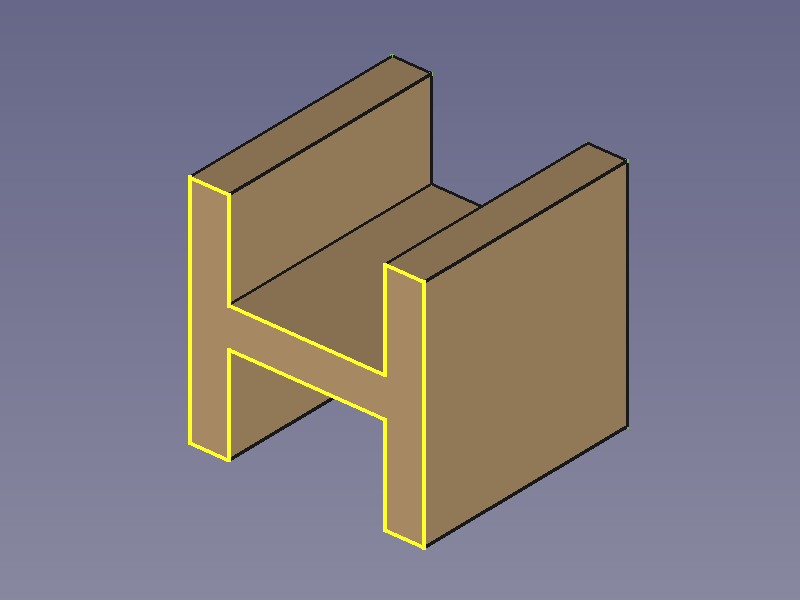
|
|
Additive Pipe
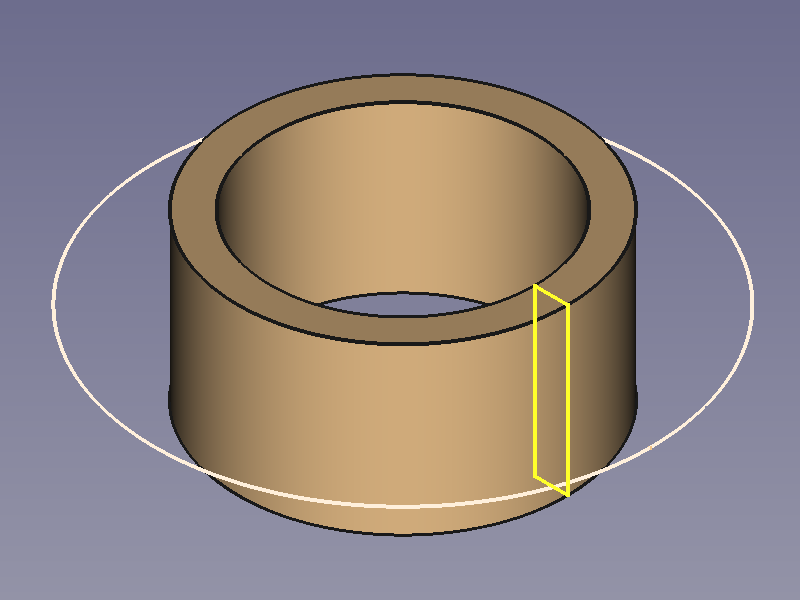
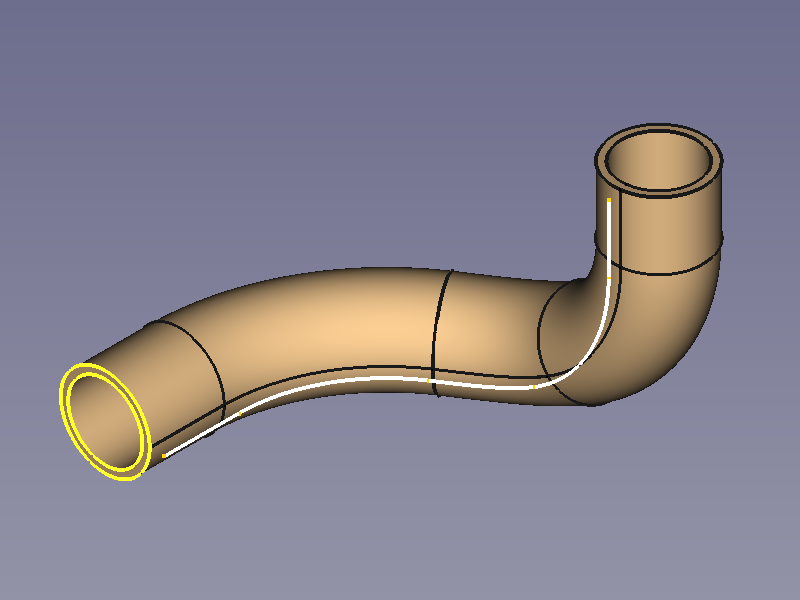
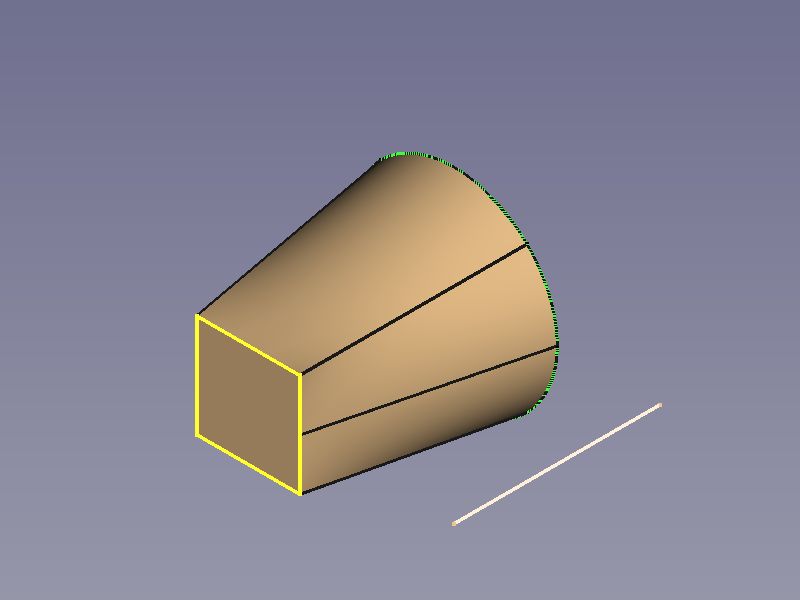
 PartDesign Additive pipe is a tool to create AdditivePipe objects such as sweep objects, extrusion objects, rotation objects, cylinders, cones, cubes, pyramids, spheres...
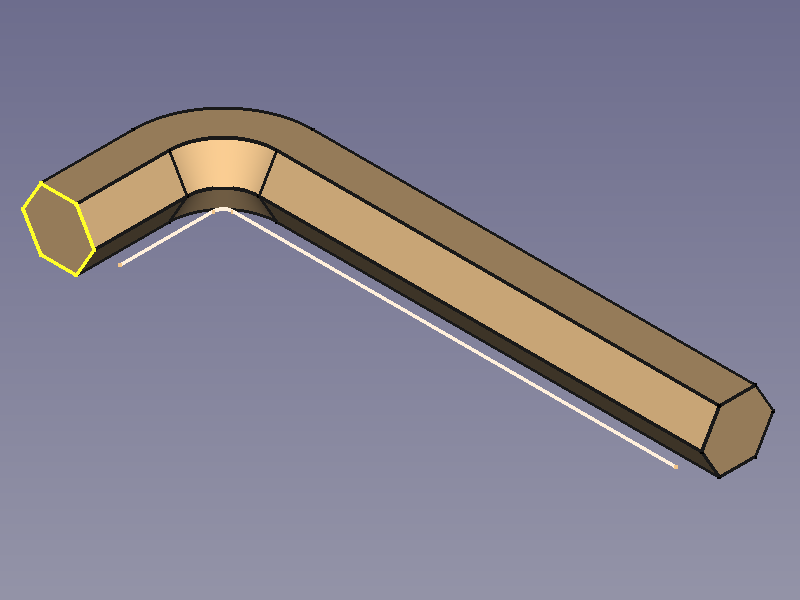
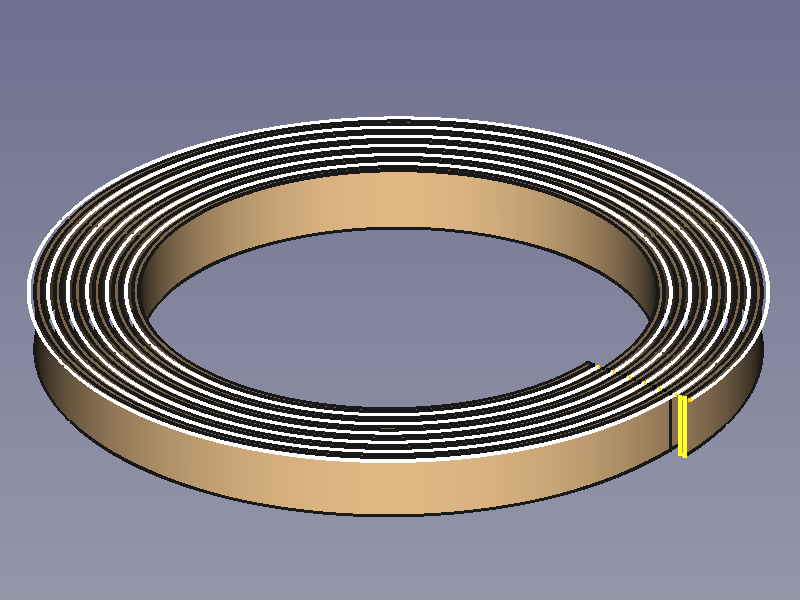
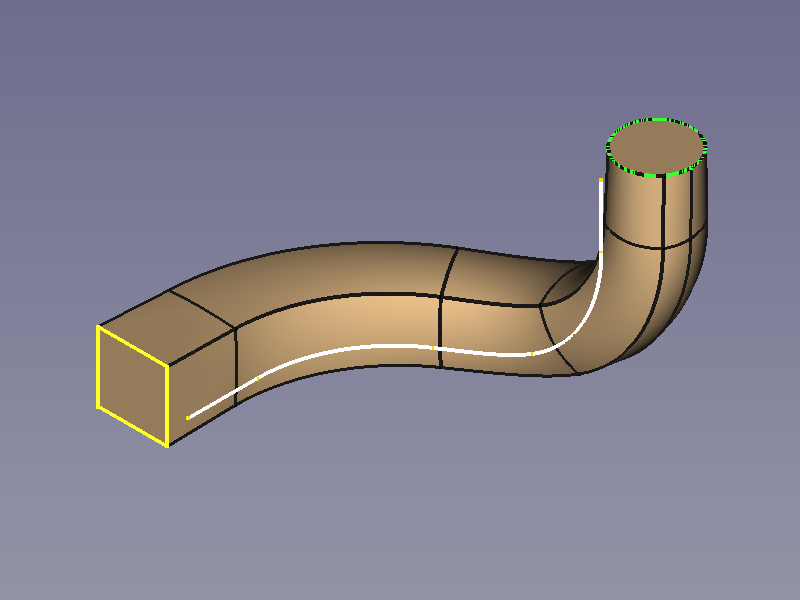
Each object is based on at least two lines (preferably made with the Sketcher Workbench):
- One outline (yellow), to define the cross-section shape.
- One spine (white), to sweep along. (See Tracing profiles for information about spines)
It is not hard to realize that some objects can be created with other tools too, but would you have guessed how versatile this tool is without these examples?
Gallery
Circular Sweep Objects
| Sphere | 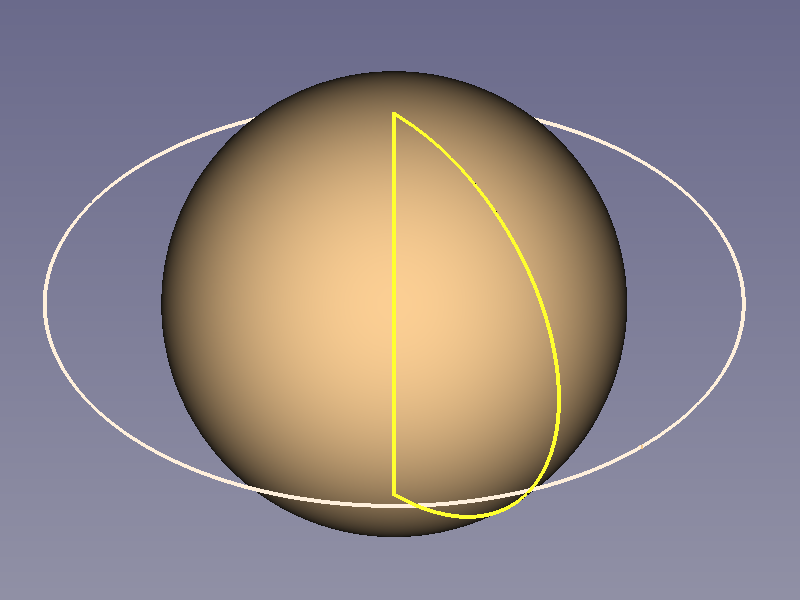
|
|
| Sphere Segment | 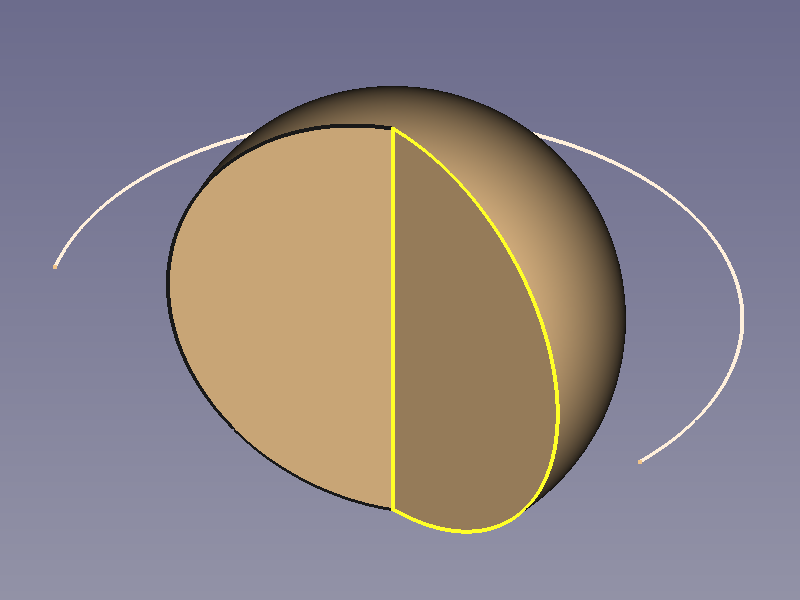
|
|
| Hemisphere | 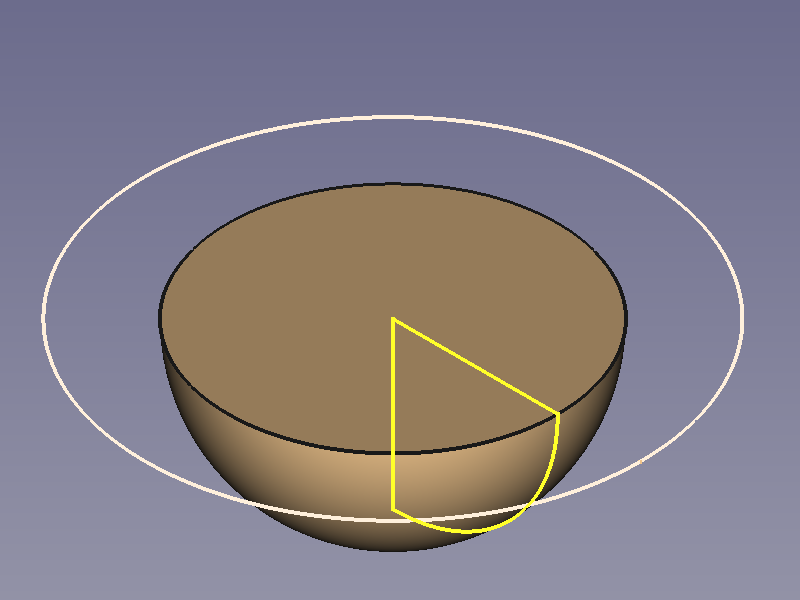
|
|
| Torus | 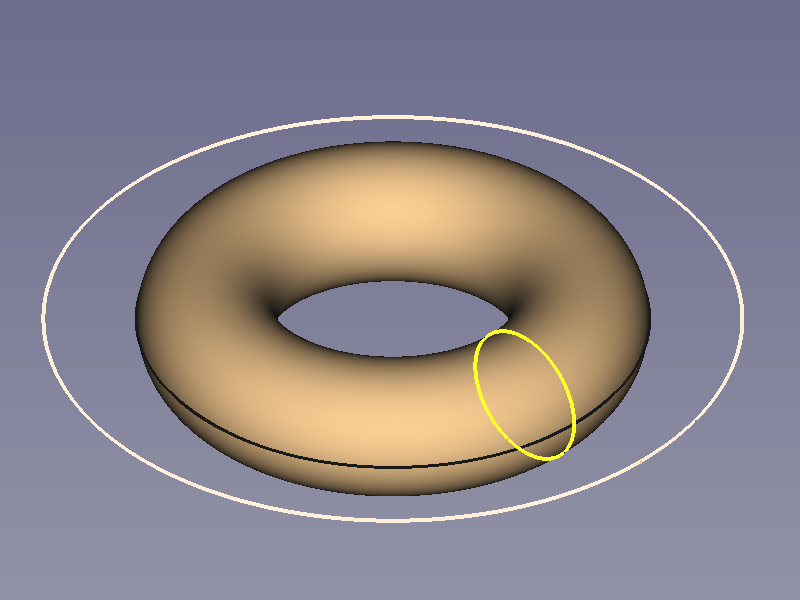
|
|
| Cone | 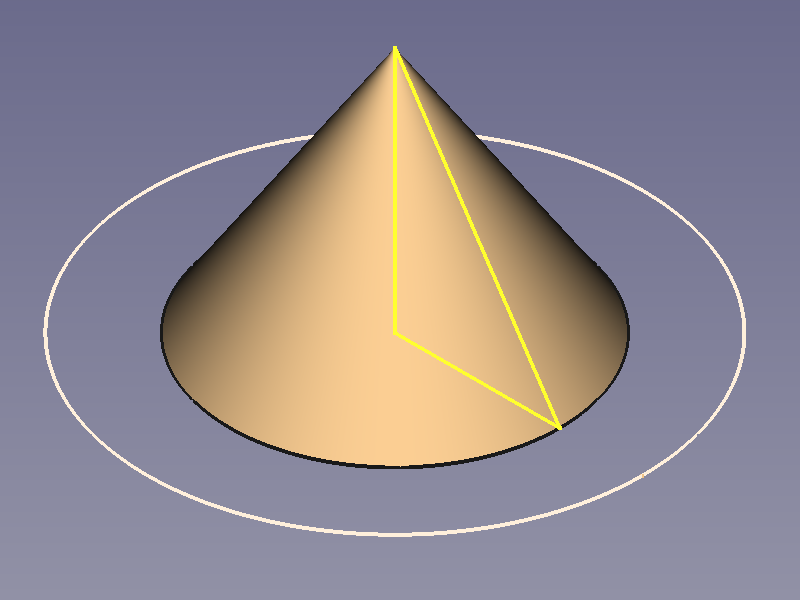
|
|
| Cylinder | 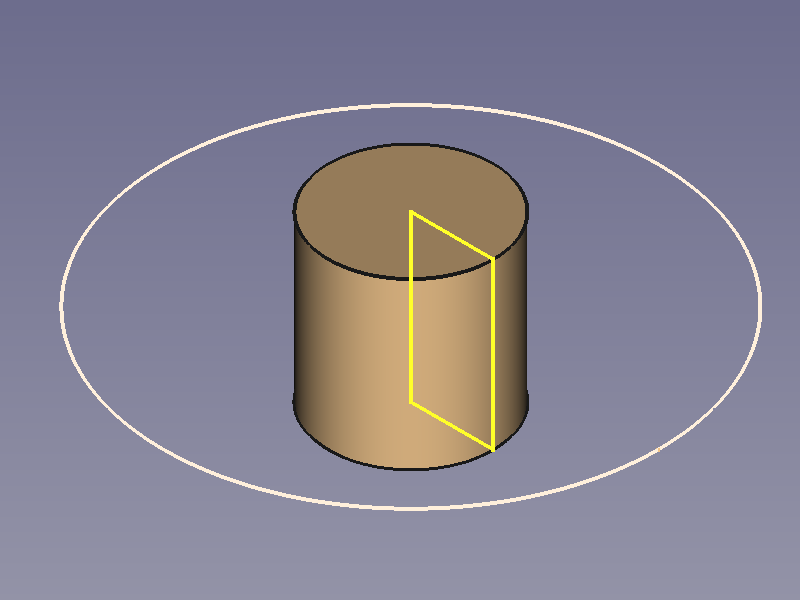
|
|
| Pipe Hollow Cylinder |
|
|
Prismatic Objects
Straight Sweep Objects
| Cylinder | 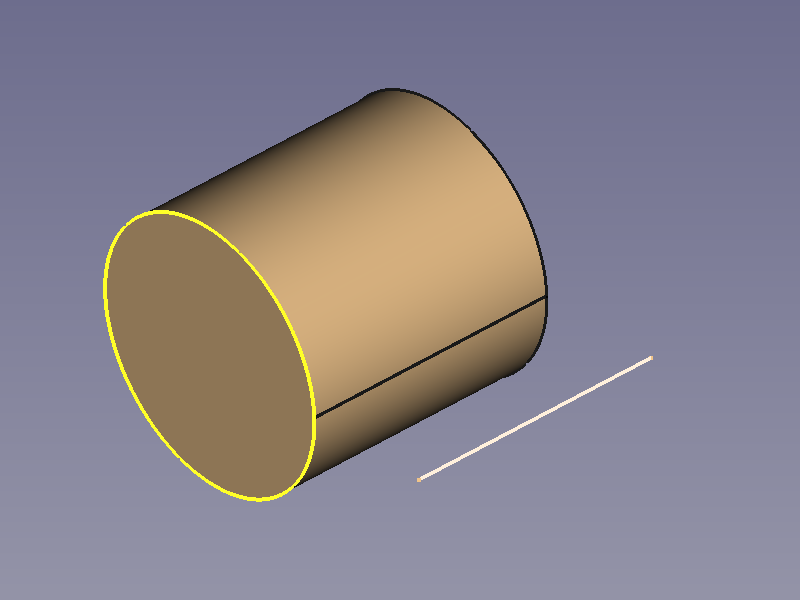
|
|
| Cube | 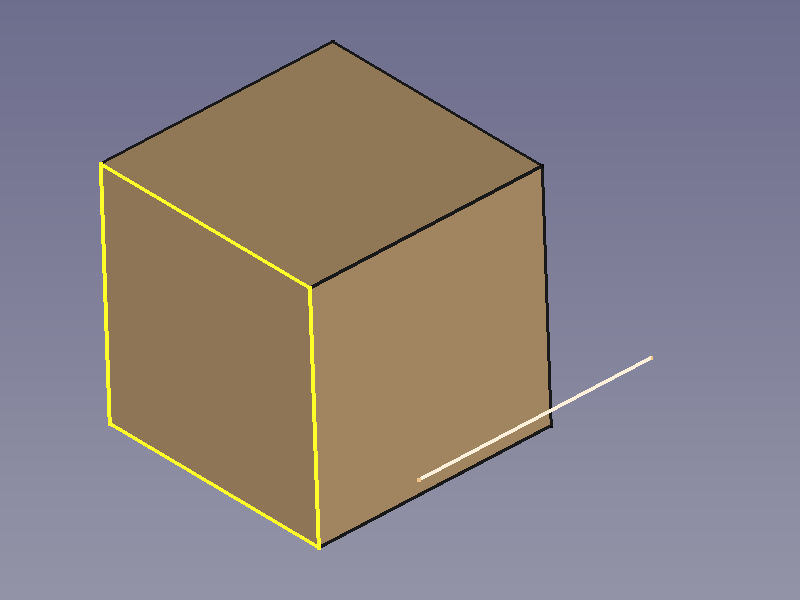
|
|
| Cuboid | 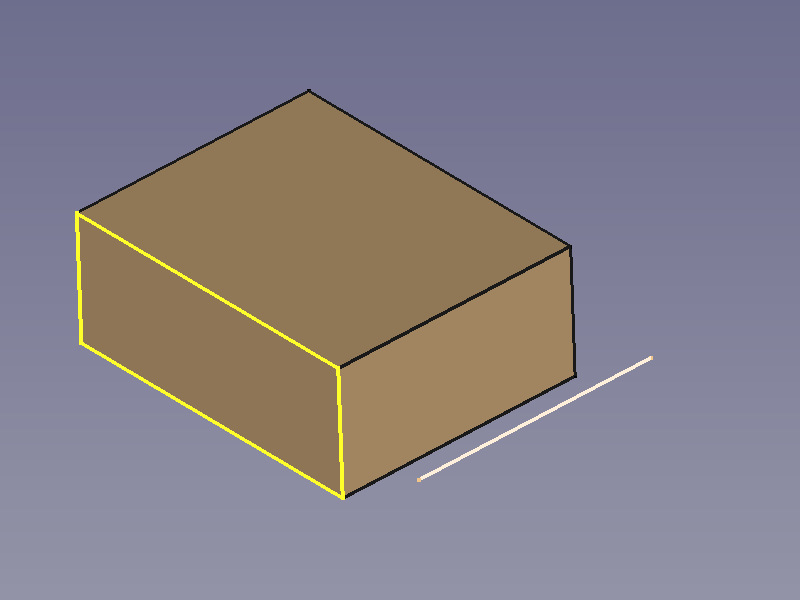
|
|
| Wedge | 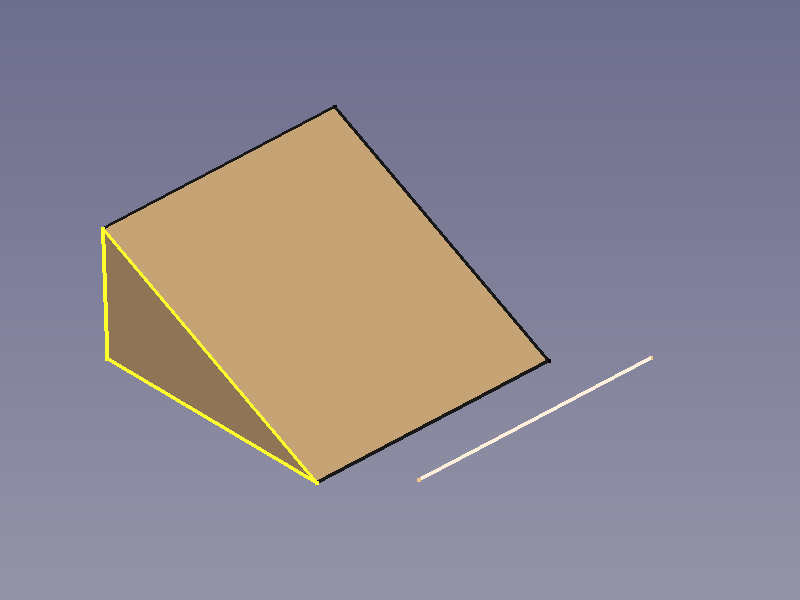
|
|
| Regular Prism | 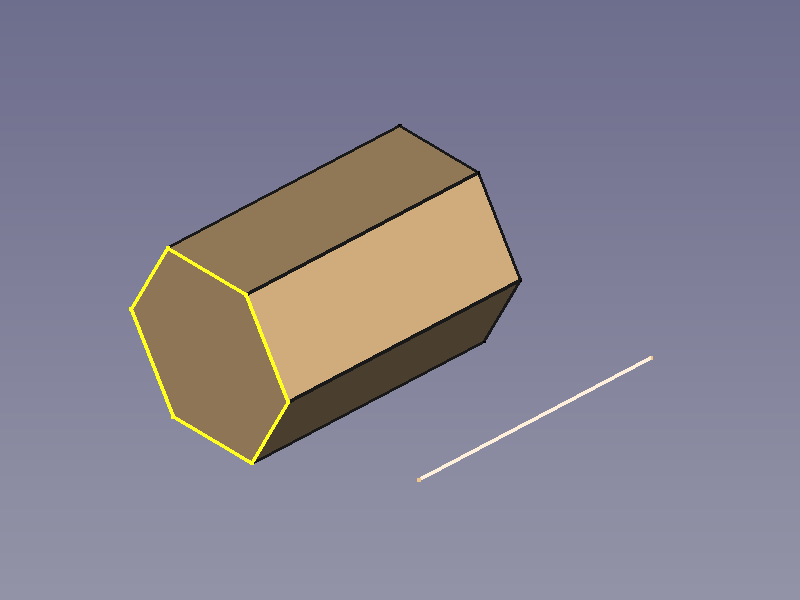
|
|
| Star-shaped Prism | 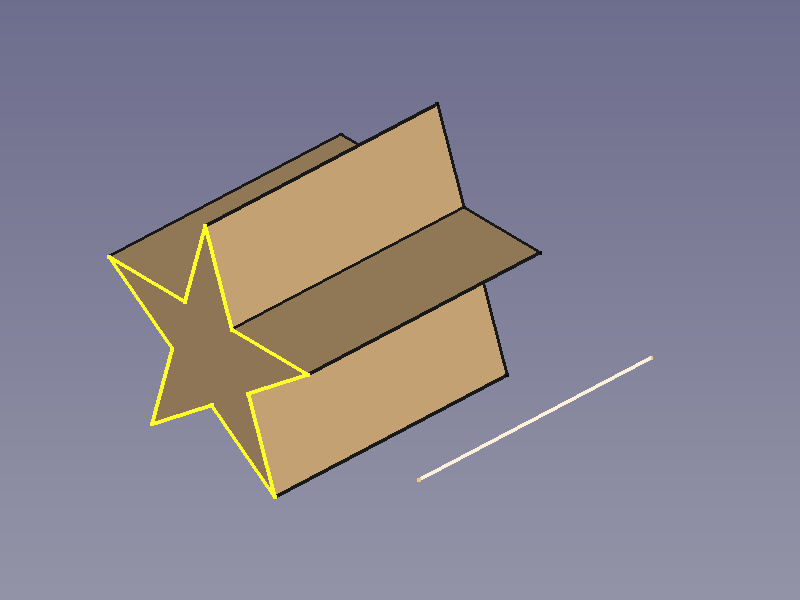
|
|
| Double-T Beam | 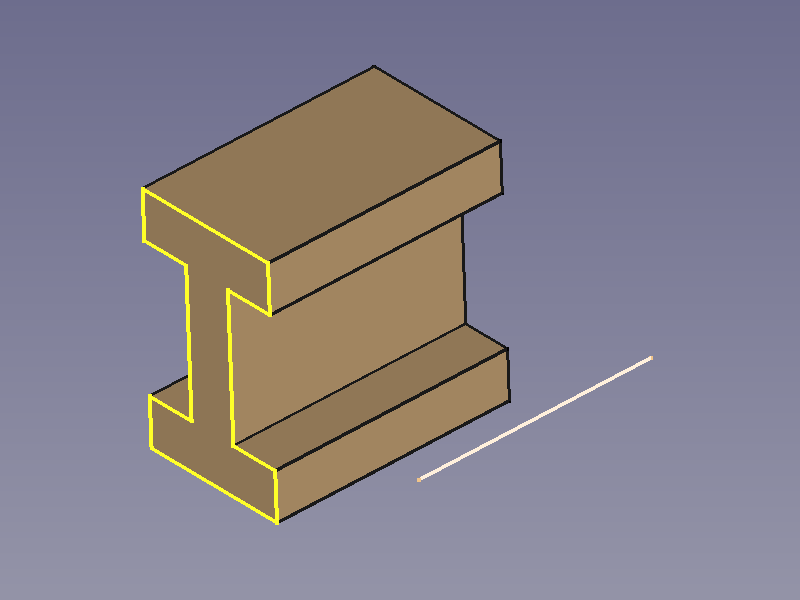
|
|
Conical Objects
| Cone | 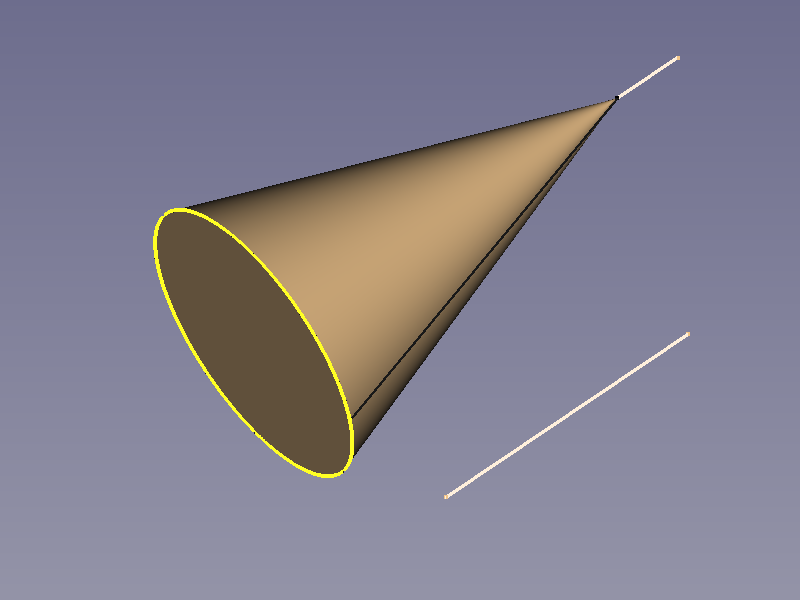
|
|
| Pyramid | 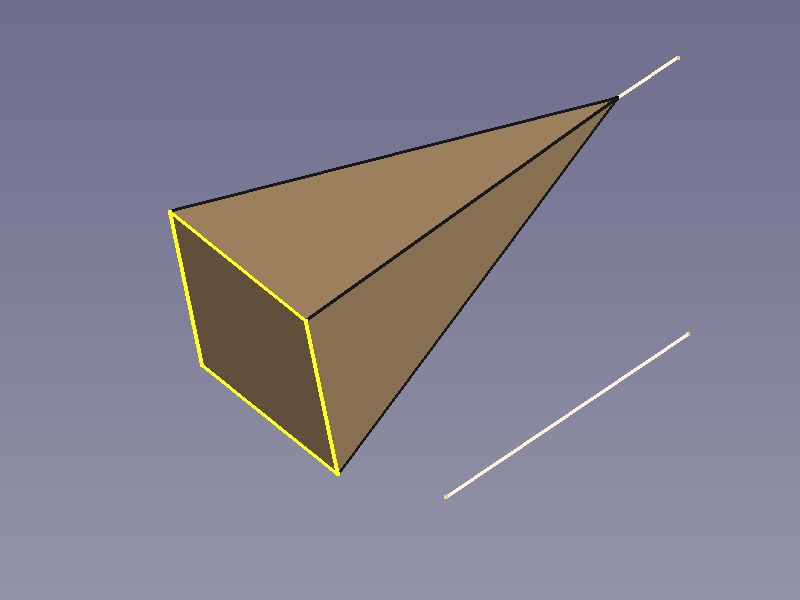
|
|
| Tilted Pyramid | 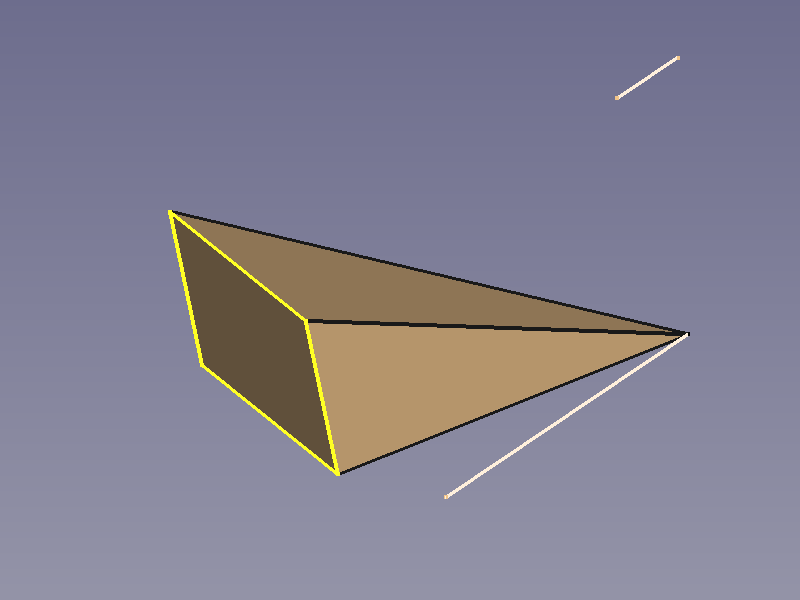
|
|
Curved Sweep Objects
| Hose (Pipe) |
|
|
| Square Pipe | 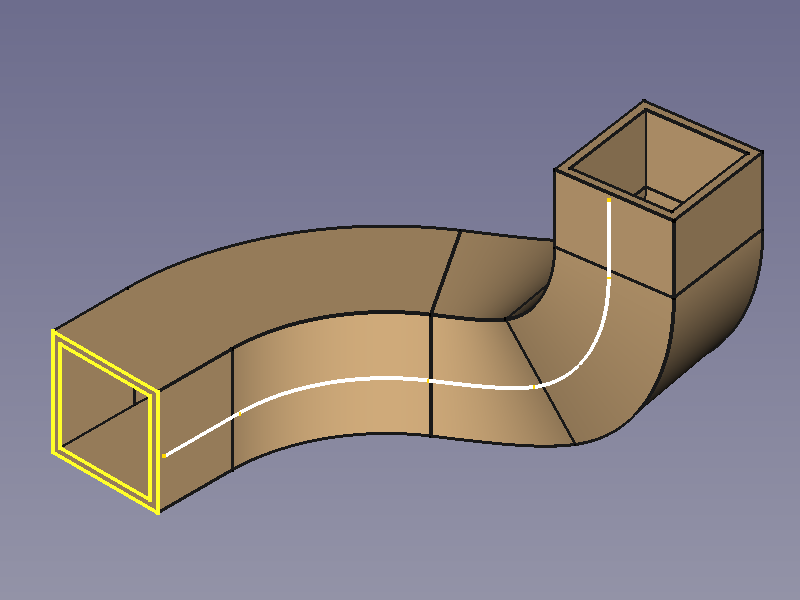
|
|
| Wire | 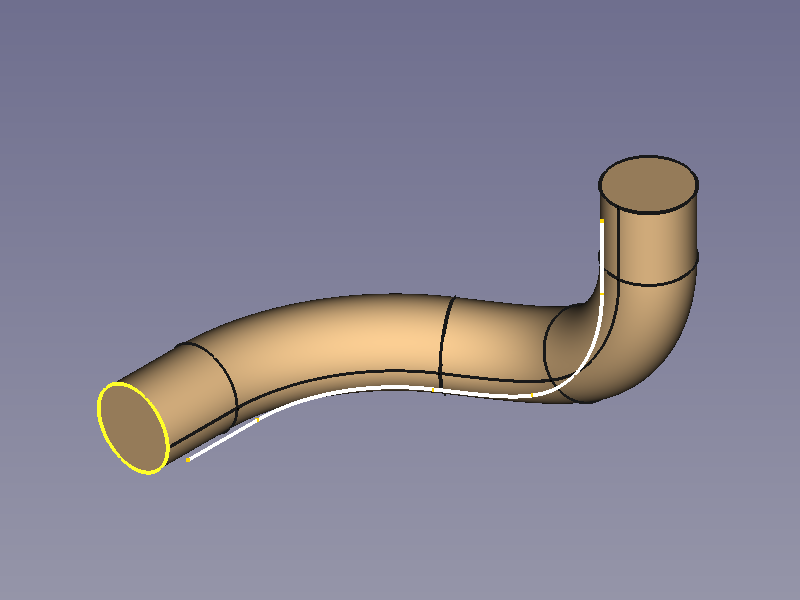
|
|
| Horn | 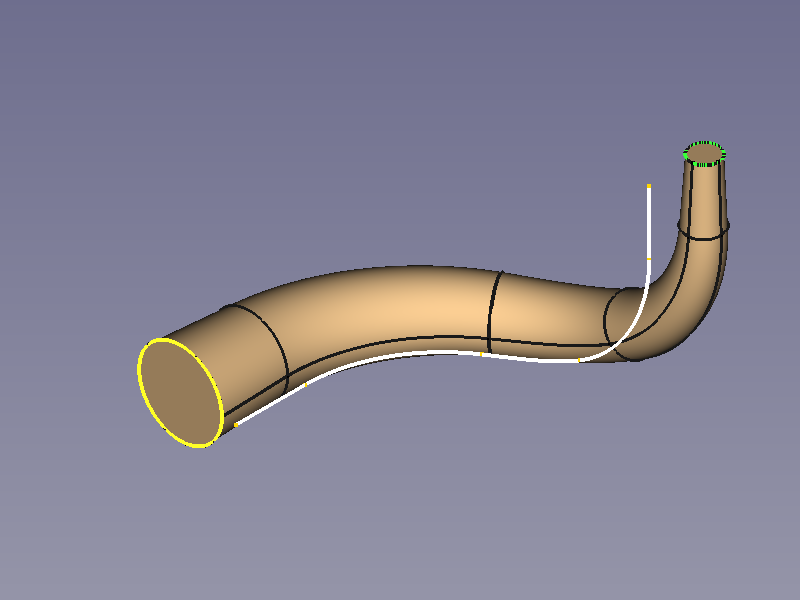
|
|
| Legendary Hex-Wrench |
|
|
Spiral and Helical Objects
| Coil Spring | 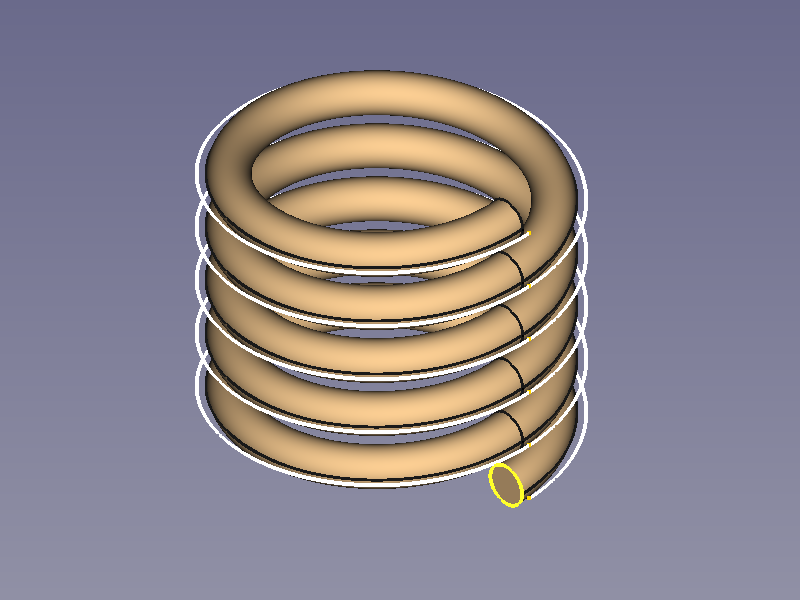
|
|
| Hairspring Balance Spring |
|
|
| Volute Spring, Conical Spring |

|
|


Transition Objects
| Square to Circle via path |
|
|
| Square to Circle direct |
|
|
| Polygon to Star | 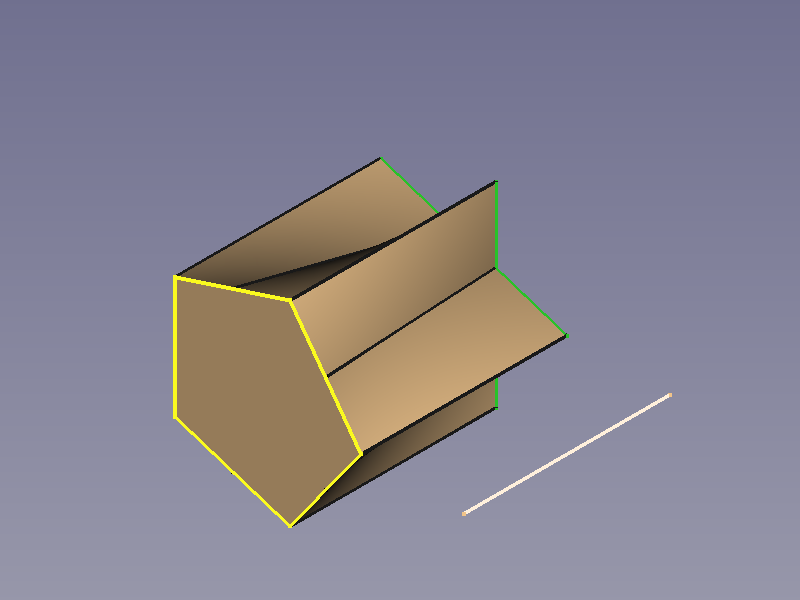
|
|
Options
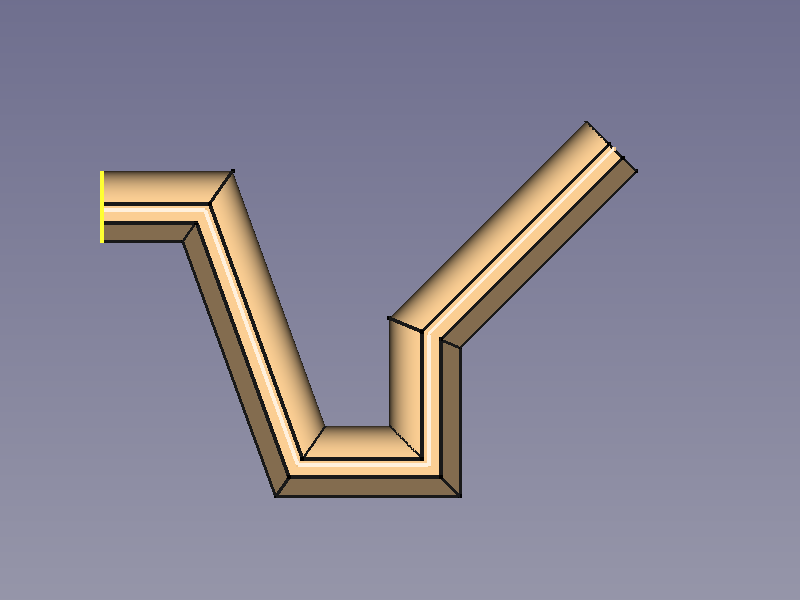
Corner Transition
A polyline can be used as a spine, and the property Transition influences the shapes of the corners.
Transformed needs special attention as it can produce flat areas where the thickness is 0.
| Parameter | Iso View | Top View |
|---|---|---|
| Transformed | 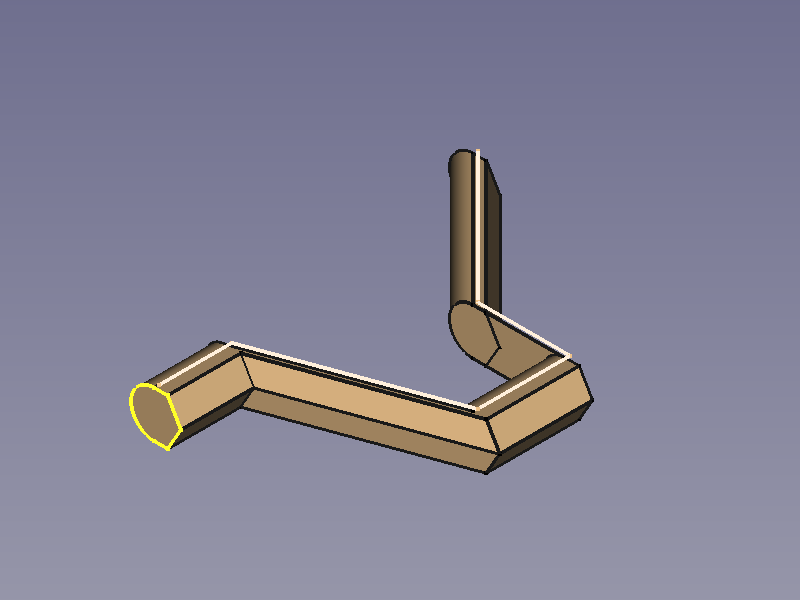
|
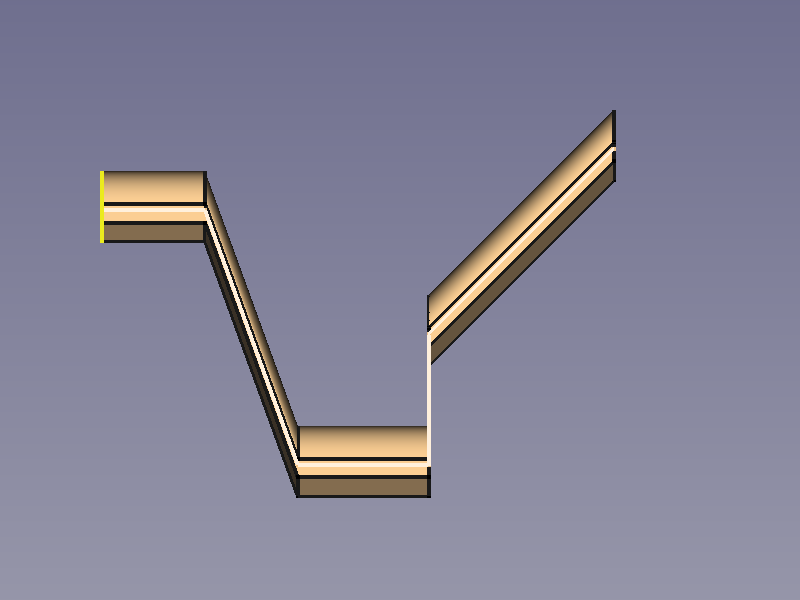
|
| Right corner | 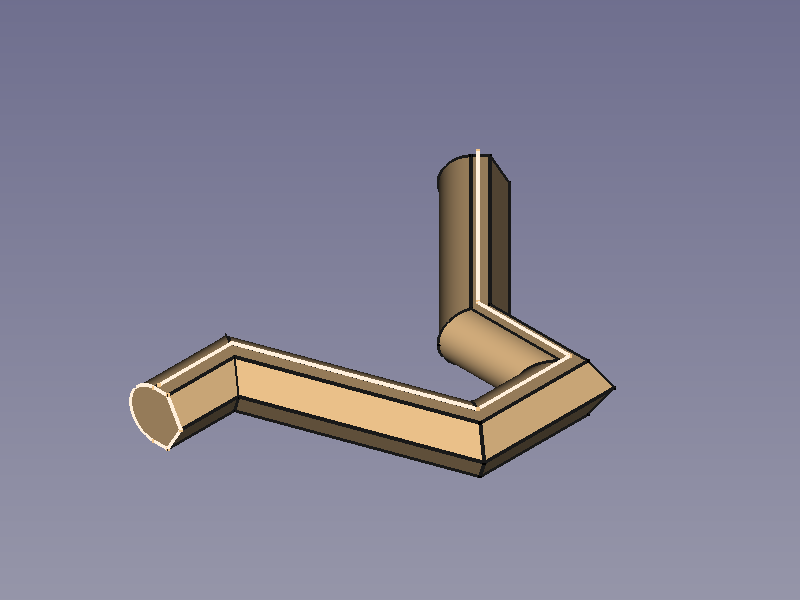
|
|
| Round corner | 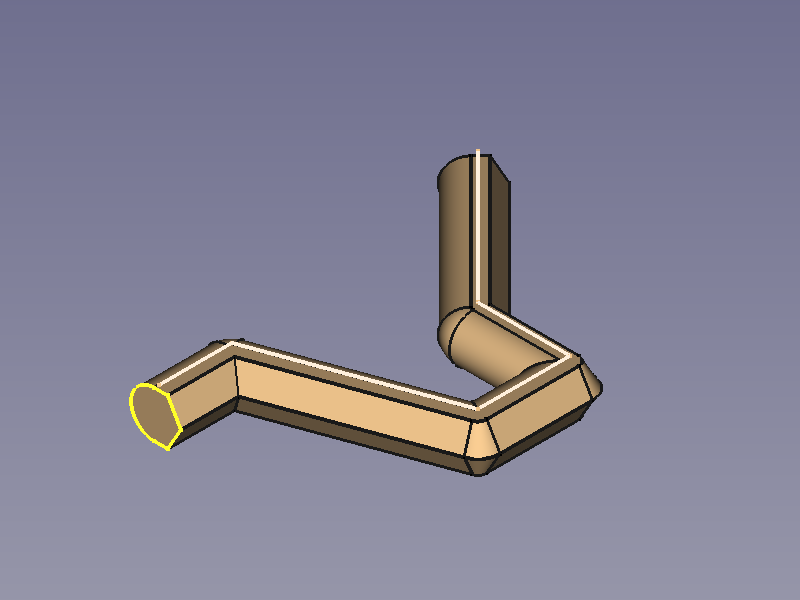
|
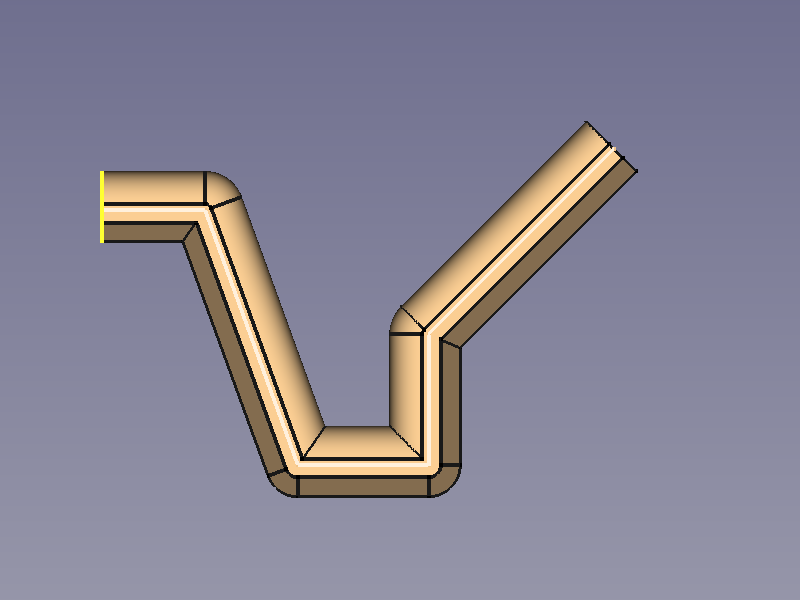
|
Orientation Mode
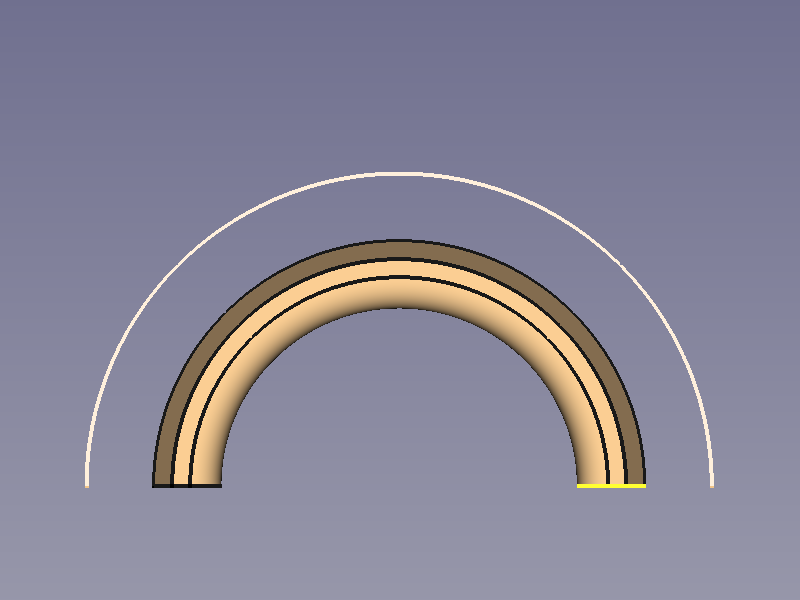
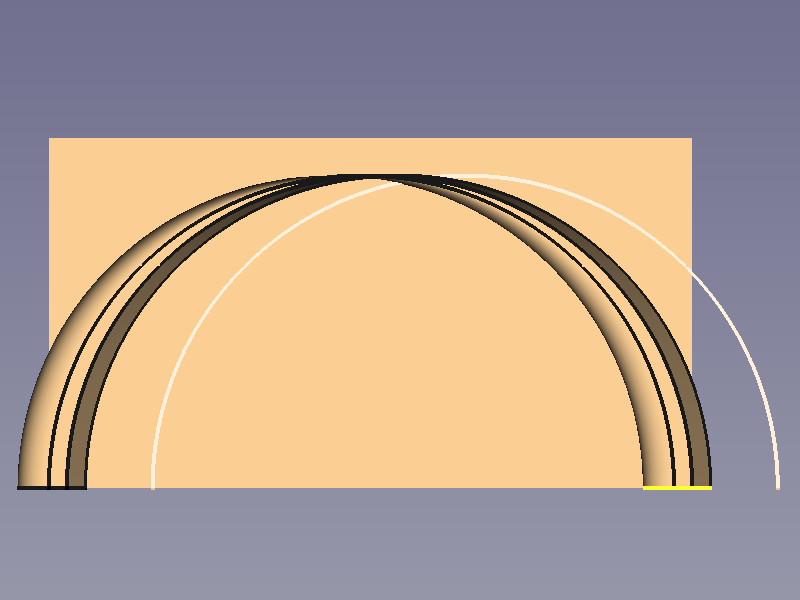
| Parameter | Iso View | Top View |
|---|---|---|
| Standard | 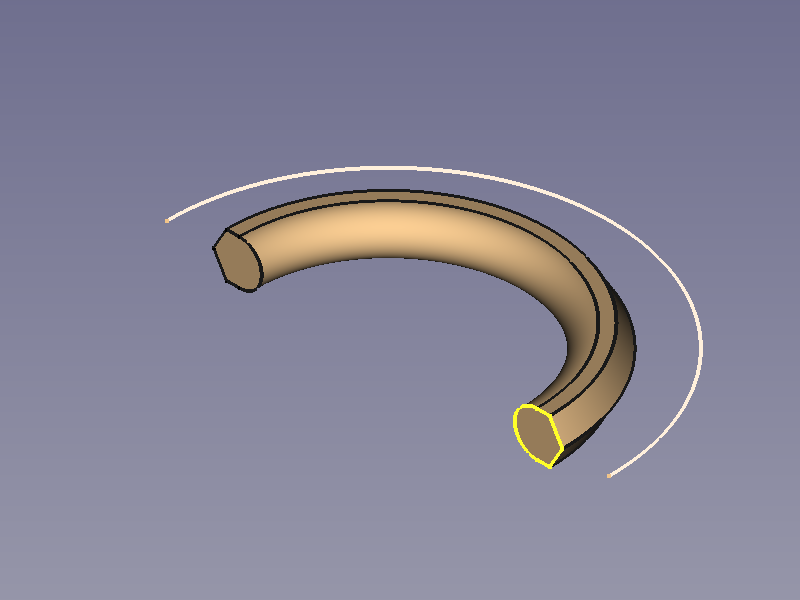
|
|
| Fixed | 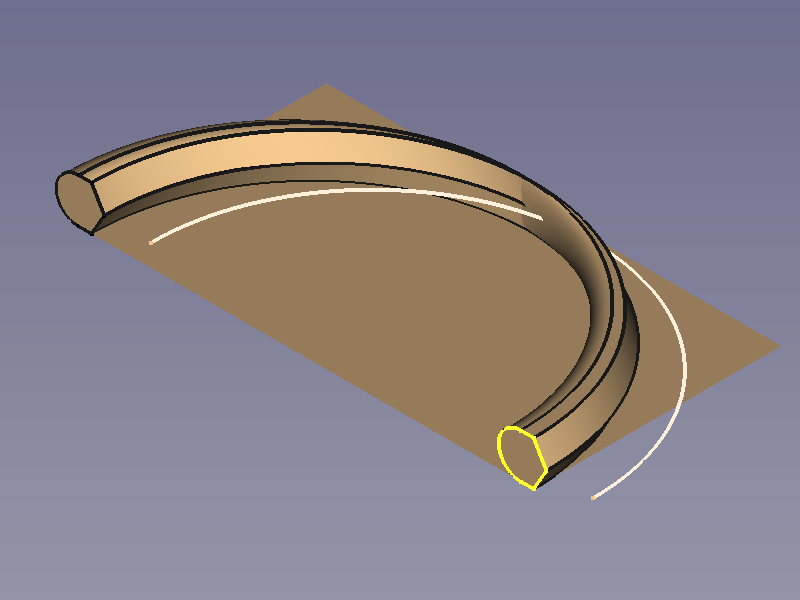
|
|
| Frenet |
|
|
| Auxiliary | 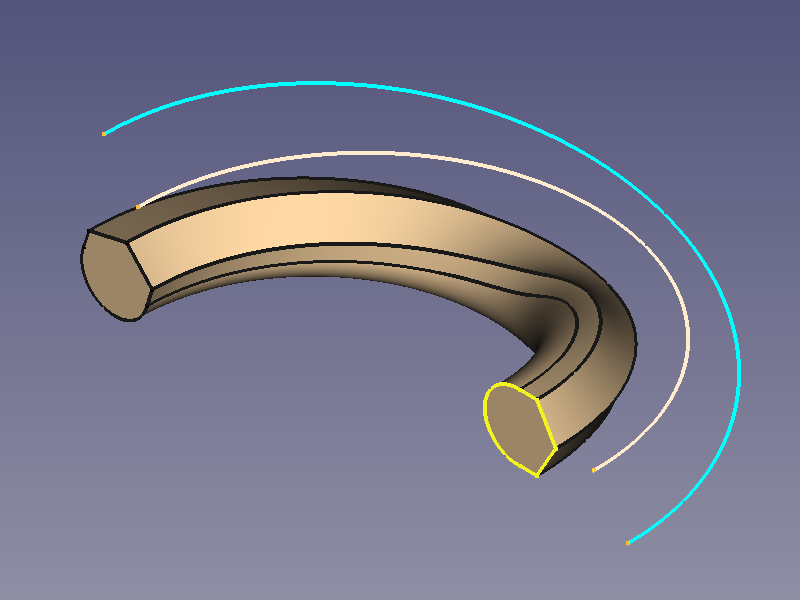
|
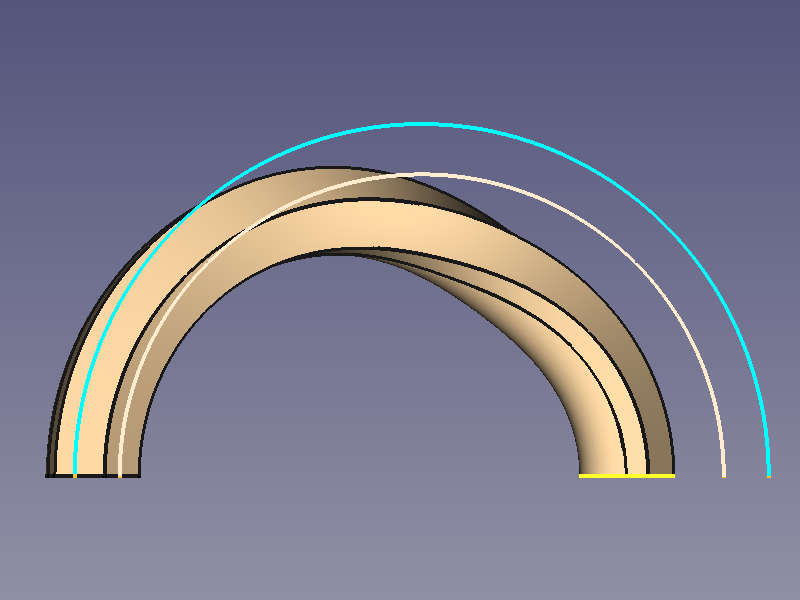
|
| Binormal |